Key takeaways
Fill, sign, and submit Acting Up Audition Form from any browser — or have AI generate a custom version in seconds. No installs, no printing, no back-and-forth.
- The Audition Form serves as an application for individuals seeking roles in a specific production or performance.
- Performers use this document to share their contact details, address, and relevant acting or singing background with casting directors.
- The form requires applicants to list their preferred roles and specify if they are open to participating in the ensemble.
- Applicants must disclose any scheduling conflicts that might interfere with the production timeline or rehearsal dates.
- A current resume and photo must be attached to the form when submitting it to the production staff.
- Completed forms are typically handed in at the audition to help the creative team evaluate each candidate’s qualifications.
What is Acting Up Audition Form?
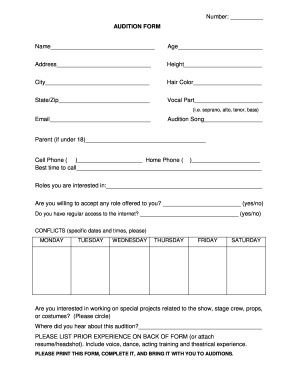
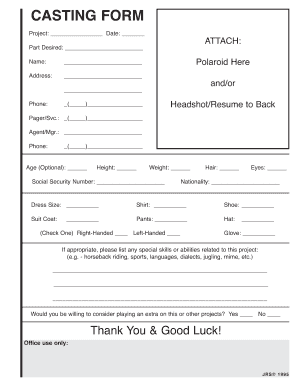
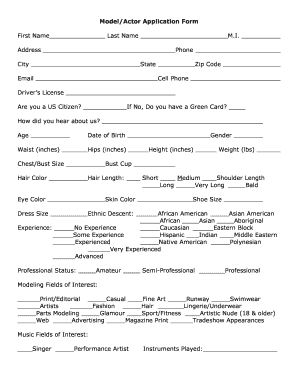
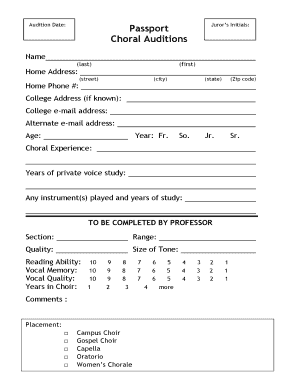
The Audition Form is a standard document used by individuals to apply for a role in a specific production or performance. This acting audition form acts as a formal application that allows performers to present their credentials and interest to a casting team. It is designed to organize applicant data efficiently, ensuring that directors have a consistent set of information for every candidate. By using this form, production staff can better manage the audition process and maintain clear records of all potential cast members.
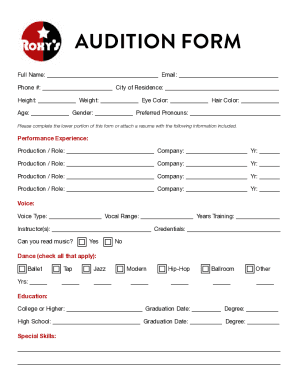
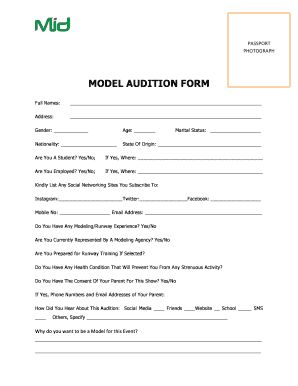
This form requires applicants to provide comprehensive personal information, including their full name, home address, and primary contact details. It features dedicated sections for detailing previous acting or singing experience, which helps the production team understand an individual's performance history. Furthermore, the document includes areas for listing potential scheduling conflicts and indicating preferred roles or willingness to join the ensemble. To ensure a complete application, users are instructed to provide a resume and a photo alongside the completed form.
This document does not have a designated issuing authority.
Who needs the Acting Up Audition Form — and who doesn't
Not everyone files Acting Up Audition Form. The checklist below tells you whether it applies to your situation — and points you to the right alternative if it doesn't.
You need this Acting Up Audition Form if…
- you are applying for a specific role in a theatrical production or performance.
- you want to provide a casting director with your previous acting or singing experience.
- you need to disclose your schedule conflicts and preferred roles for an upcoming show.
- you are submitting a resume and photo as part of a formal audition process.
You do not need this Acting Up Audition Form if…
- you are not seeking a performance role in the production.
- you are a member of the technical crew or production staff rather than a performer.
Why you need the Acting Up Audition Form
Why people fill out Acting Up Audition Form, and what tends to go wrong when they don't.
-
Secure Casting Opportunities Use this form to officially apply for roles in theater or performance productions. It ensures the casting team has your contact details, role preferences, and performance background for review.
-
Communicate Schedule Conflicts Use the dedicated section to list any dates that might interfere with rehearsals or performances. This transparency helps directors assess your availability against the production timeline before making casting decisions.
-
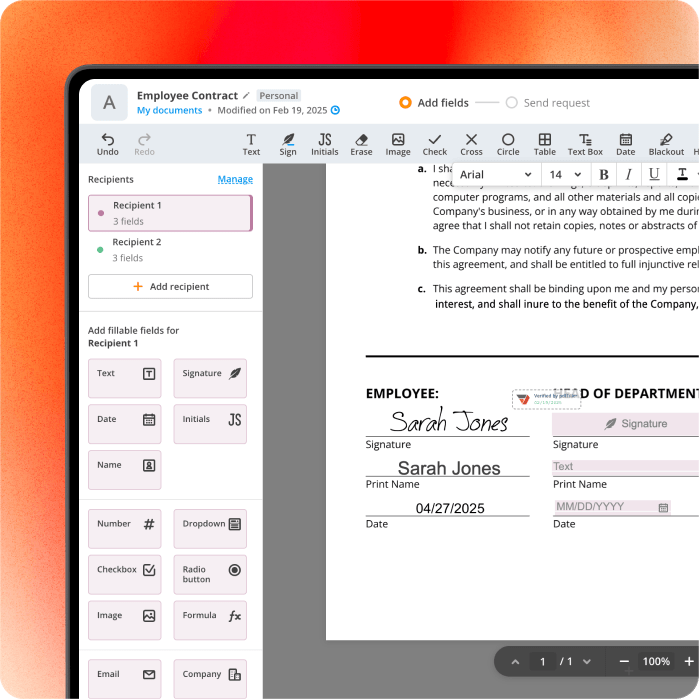
Organize Professional Materials pdfFiller is an online platform for editing, completing, and managing PDF documents. You can use it to fill the template, attach your required resume and photo, and save the final file.
What each section of Acting Up Audition Form means
Every section explained — what it's asking, the records you'll need on hand, and the mistakes that most often cause a rejection or follow-up request.
| Personal Contact Information | Applicants provide their full name, current address, and contact details to ensure the production staff can communicate with them regarding the audition results. |
|---|---|
| Acting and Singing Experience | This section allows individuals to detail their previous background in performance, including any past roles or training in acting and singing. |
| Schedule Conflicts | Performers must list any specific dates or times they are unavailable to attend rehearsals or performances during the scheduled production timeline. |
| Preferred Roles | Applicants use this area to indicate which specific characters or parts they are most interested in being considered for during the casting process. |
| Ensemble Participation | This field is used to indicate whether the applicant is willing to participate as a member of the ensemble for the production or performance. |
| Submission Requirements | The form specifies that a resume and photo must be provided along with the completed application to fulfill the audition submission criteria. |
How to fill out Acting Up Audition Form using pdfFiller
A walkthrough from the first field to the signature line. With your records in front of you, most people finish in under ten minutes.
-
Open the Form Click Get Form to open Audition Form in the pdfFiller editor to begin the process of digitizing your application for an upcoming theater production or performance opportunity.
-
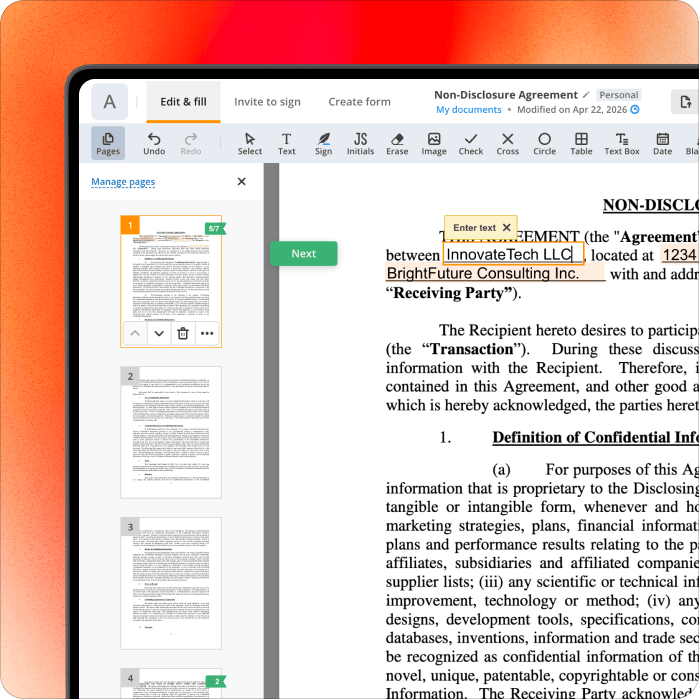
Provide Personal Information Click on the text fields to enter your name, mailing address, and phone number into the audition form template so the production staff can contact you easily.
-
Detail Performance Experience Use the editor to type out your previous acting or singing experience, listing relevant shows and roles to showcase your background and skills to the casting panel.
-
List Potential Conflicts Click the conflicts section to record any dates you are unavailable, allowing the directors to account for your schedule during the rehearsal and performance period for the show.
-
Select Preferred Roles Navigate to the role preference section and type in the names of the characters you would like to audition for in this acting audition form for the directors.
-
State Ensemble Willingness Use the checkmark or text tool to confirm if you are willing to participate as an ensemble member if you are not cast in a specific preferred role.
-
Review Submission Requirements Locate the instructions for providing a resume and photo to ensure you have prepared all necessary supplemental materials to accompany your completed form at the audition.
-
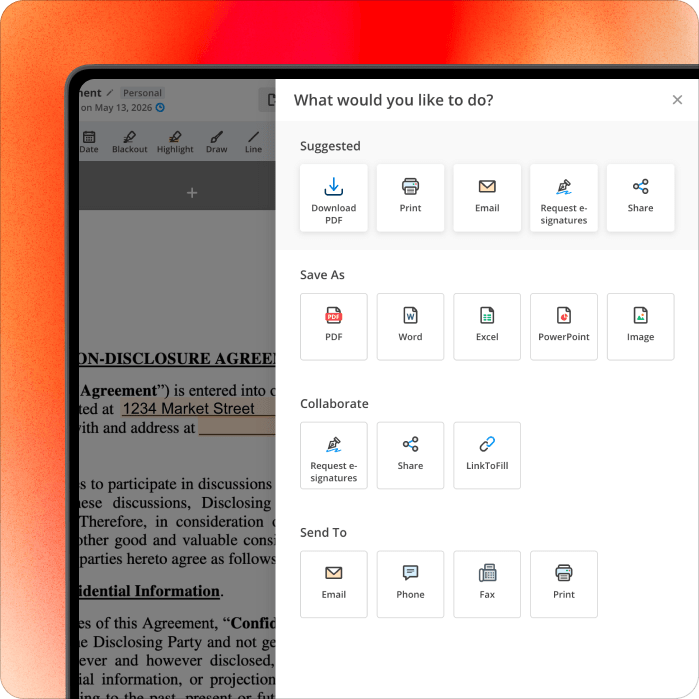
Save and Download Review your entries for completeness, then click the Done button to save your document, download the PDF to your device, or use pdfFiller to share it via link.
Related content
The forms, guides, and worksheets most filers reach for alongside Acting Up Audition Form.
Key terms used in Acting Up Audition Form
A one-sentence glossary of the Acting Up Audition Form terms and concepts you'll see throughout this guide.
- Personal Information
- A section requiring personal details such as the applicant's name, address, and contact information.
- Experience
- A section of the form used to detail an applicant's previous acting or singing experience.
- Conflicts
- A designated section on the application where an individual lists any conflicts.
- Preferred Roles
- A section that allows an individual to indicate the specific roles they are interested in.
- Ensemble Willingness
- An indication of whether an applicant is willing to be part of the production ensemble.
- Submission Requirements
- Instructions stating that a resume and photo must be submitted along with the form.
Frequently asked questions about Acting Up Audition Form
Quick answers to the questions we hear most often about completing the Acting Up Audition Form.
The Audition Form is a document used by individuals to apply for a role in a specific production or performance. It allows directors and casting teams to collect essential contact details and background information from performers. Using this template helps streamline the casting process by organizing applicant data in a consistent format for review.
The experience section of the Audition Form requires applicants to provide details regarding their previous acting or singing history. This part of the document helps the production team understand your background and skill level. You should list relevant past performances, roles played, and any specialized training that demonstrates your suitability for the current production.
You can list your availability by filling out the designated conflicts section on the Audition Form to notify the production team of any dates you are unavailable. This is crucial for scheduling rehearsals and performance runs effectively. Using an audition conflict form ensures that the casting director is aware of your schedule before making final casting decisions.
The audition role preference form section allows you to indicate which specific roles you are interested in pursuing for the production. This allows you to express your interest in lead, supporting, or specific character roles. Additionally, there is a section to indicate whether you are willing to be considered for the ensemble if you are not cast in a preferred role.
Applicants are required to submit a professional resume and a recent photo along with their completed Audition Form. These attachments provide a comprehensive view of your professional history and appearance for the casting team. Providing these materials ensures that the production staff has all the necessary information to evaluate your application alongside your live performance.
You can use pdfFiller to fill out, edit, and manage your Audition Form directly in your web browser before the casting call. The platform allows you to upload your resume and photo, merge documents, and share the finished PDF via a link or email. pdfFiller also provides secure encrypted storage to keep your personal information and performance documents safe.